You can use the MessageDialog class to Represents a dialog.
public sealed class MessageDialog : Object
If you don't specify any commands, then a default command is added to close the dialog.
Sample
private async void testButton_Click(object sender, RoutedEventArgs e)
{
    // Create the message dialog and set its content
    var messageDialog = new MessageDialog("No internet connection has been found.");

    // Show the message dialog
    await messageDialog.ShowAsync();
}
Result:

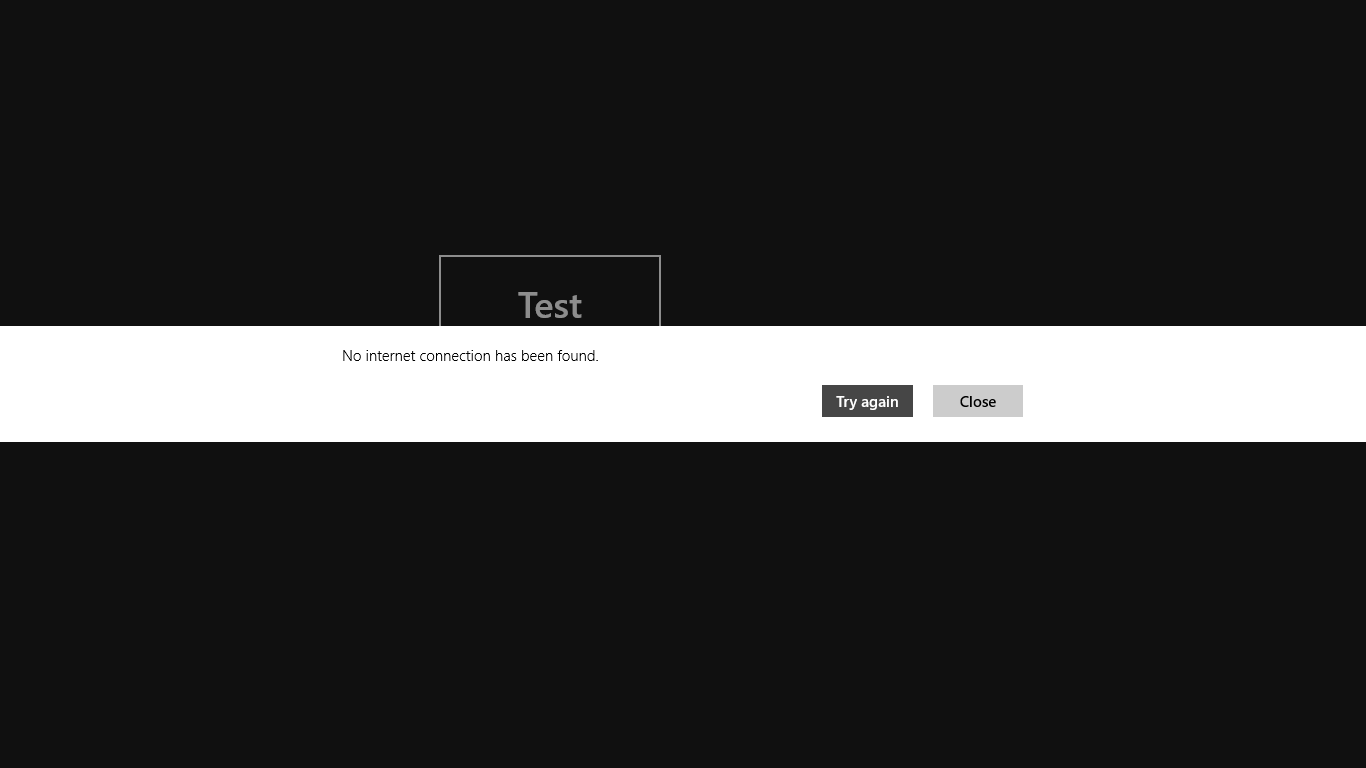
You want to add custom commands by Commands.Add.
Sample
private async void testButton_Click(object sender, RoutedEventArgs e)
{
    // Create the message dialog and set its content
    var messageDialog = new MessageDialog("No internet connection has been found.");

    // Add commands and set their callbacks; both buttons
    // use the same callback function instead of inline event handlers
    messageDialog.Commands.Add(new UICommand("Try again",
        new UICommandInvokedHandler(this.doTryAgain)));
    messageDialog.Commands.Add(new UICommand("Close",
        new UICommandInvokedHandler(this.doClose)));

    // Set the command that will be invoked by default
    messageDialog.DefaultCommandIndex = 0;

    // Set the command to be invoked when escape is pressed
    messageDialog.CancelCommandIndex = 1;

    // Show the message dialog
    await messageDialog.ShowAsync();
}

private void doTryAgain(IUICommand command)
{
    // do something
}

private void doClose(IUICommand command)
{
    // do something
}
Result:
Reference:
MessageDialog class

請先 登入 以發表留言。